One order, one operational record
Keep references, addresses, cargo details, documents and instructions with the job. Review extracted information before assigning a vehicle.

EYE IN THE SKY + MENV4 TMS
Receive the order by email or find the right load on freight exchanges. Eye in the Sky and MenV4 TMS turn it into a planned, visible and profitable journey — all the way to completion.
Platform
A 40-tonne transport operation involves more than finding the shortest road. Loading windows, vehicle dimensions, road charges, parking and customer instructions all influence the plan. Eye brings this context together with your transport orders, so dispatch can review the journey before the truck leaves.
Keep references, addresses, cargo details, documents and instructions with the job. Review extracted information before assigning a vehicle.
Inspect stops and available road information alongside the route. Compare operational constraints, rather than choosing only by distance.
Use connected vehicle positions and available public layers. Check timestamps and source coverage before relying on any observation.
3D Globe
Workflow
A practical workflow for dispatchers, fleet managers and transport companies working across Europe.
Import an order from email or a document, or review a load in the Cargo Marketplace. Keep the original instructions available.
Check the addresses, loading and delivery windows, cargo weight and vehicle requirements. AI suggestions remain subject to human review.
Select the appropriate vehicle profile and stops. Review restrictions, estimated costs and available parking information before dispatch.
Connect the job to a truck and driver. Follow available GPS updates and investigate changes that may affect the delivery.
Use weather, traffic or available camera imagery as supporting context. Confirm critical changes with the driver and customer.
Retain delivery documents and trip history. Compare estimated and recorded costs to improve the next transport plan.
EYE IN THE SKY + MENV4 TMS
Eye in the Sky adds a geographic view to MenV4 TMS. Start with the order, move into the map when you need context, and return to the operational record without rebuilding the job.
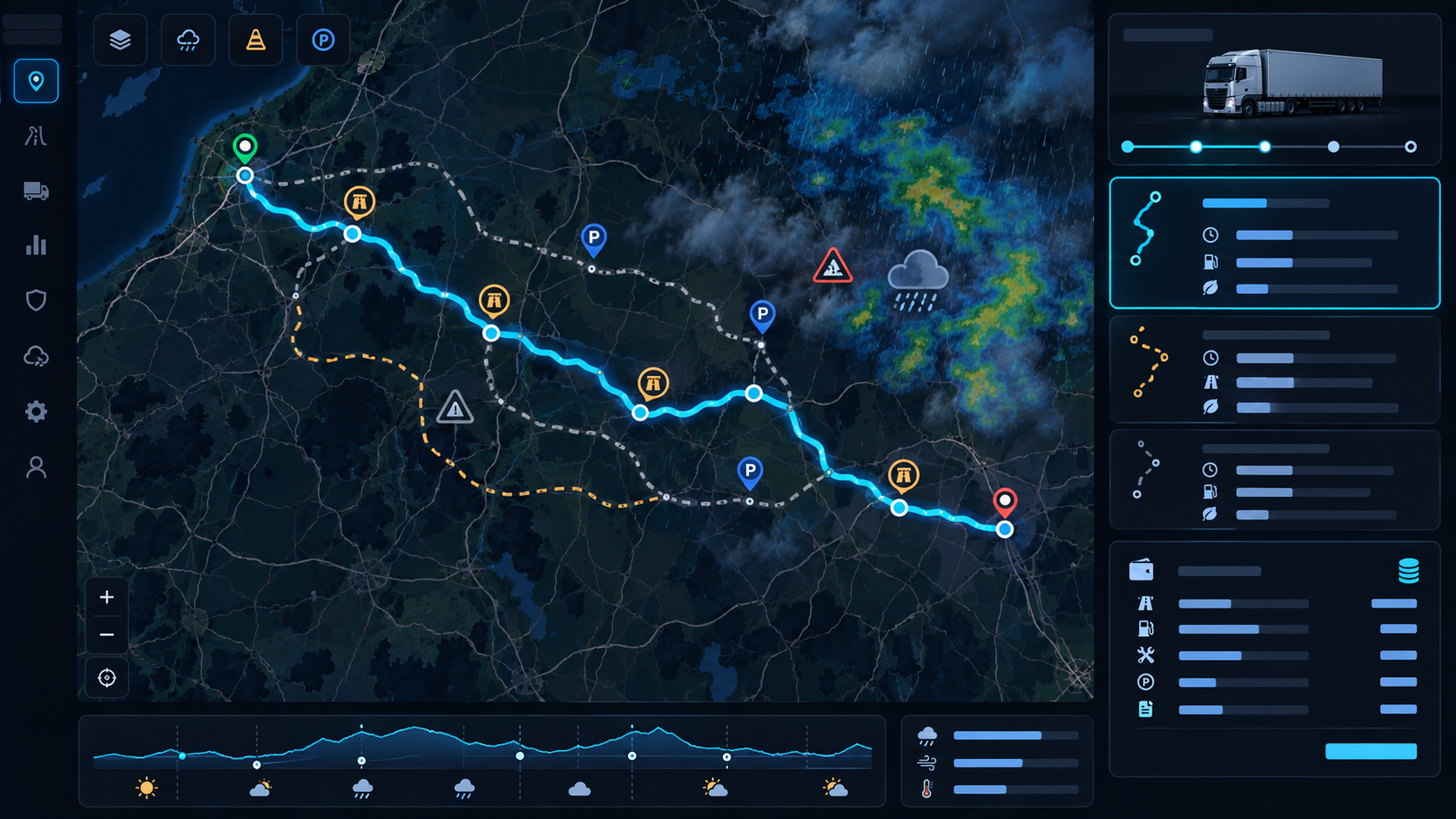
Review multi-stop journeys, loading windows and vehicle constraints. A proposed route must still be checked against current road signs and applicable restrictions.
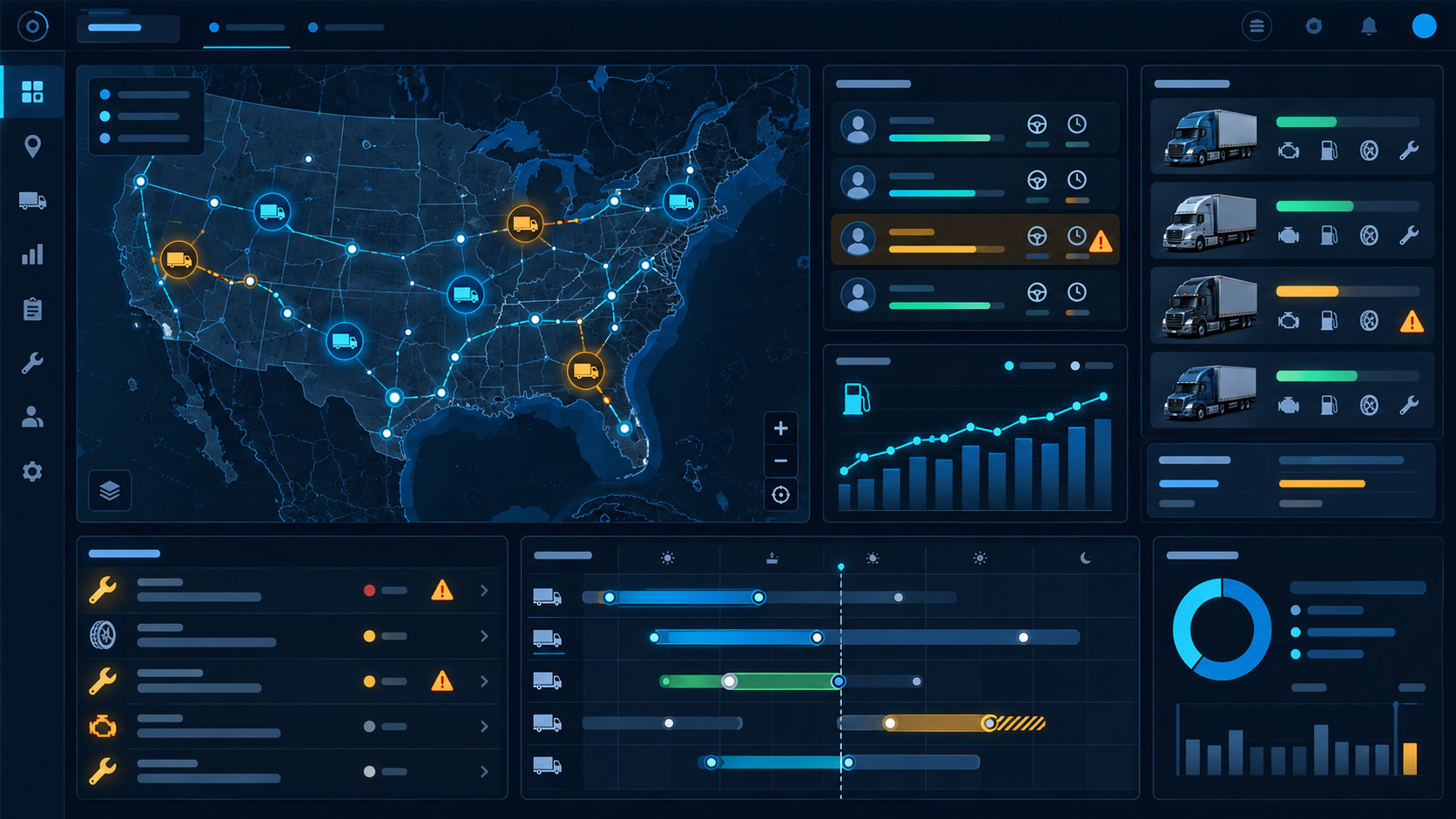
Use connected telematics to follow available positions and progress. Update frequency and coverage depend on the fleet integration.
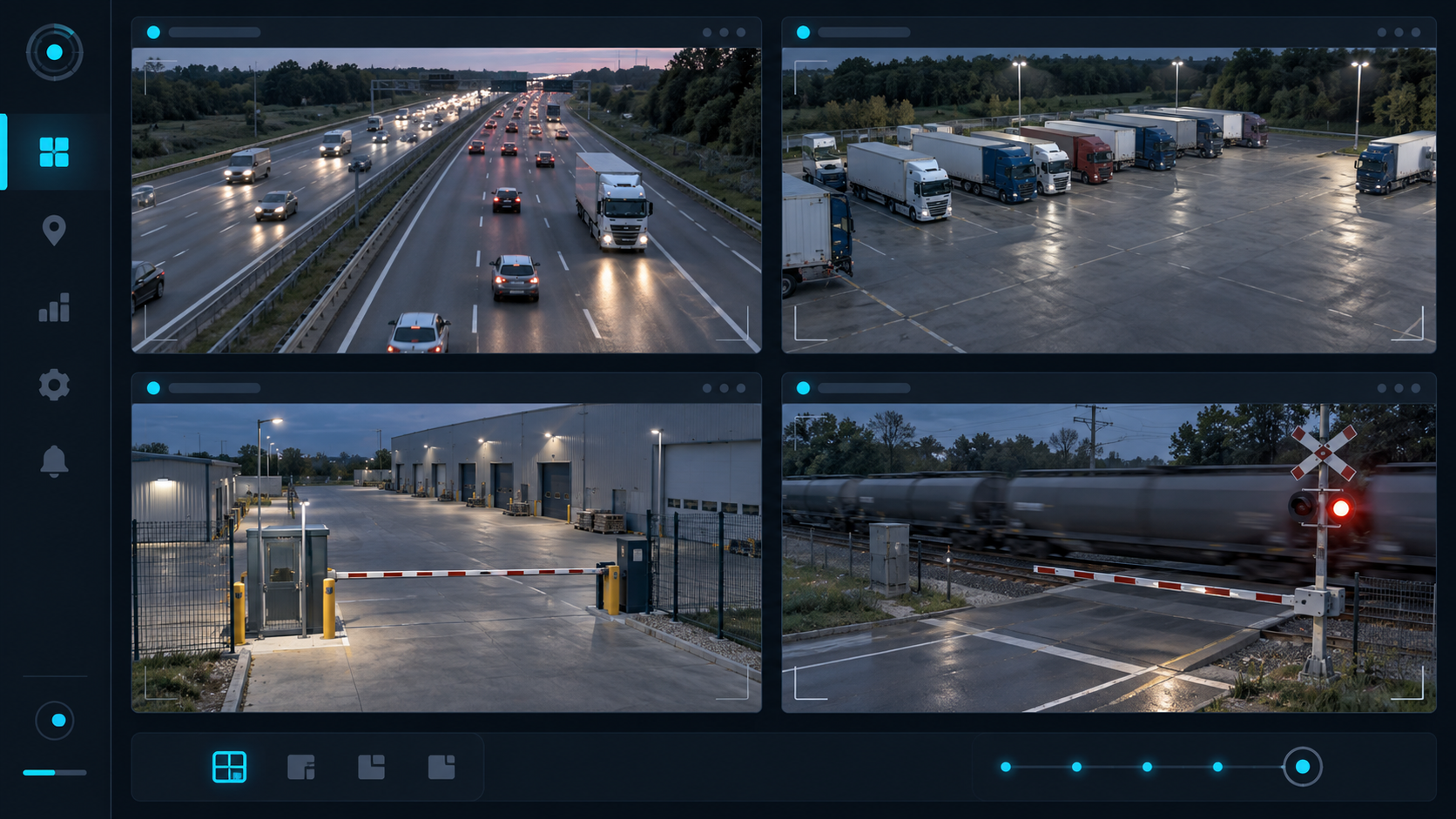
Open imagery from supported public cameras where available. Some sources provide snapshots, some video, and others only a link to their original page.
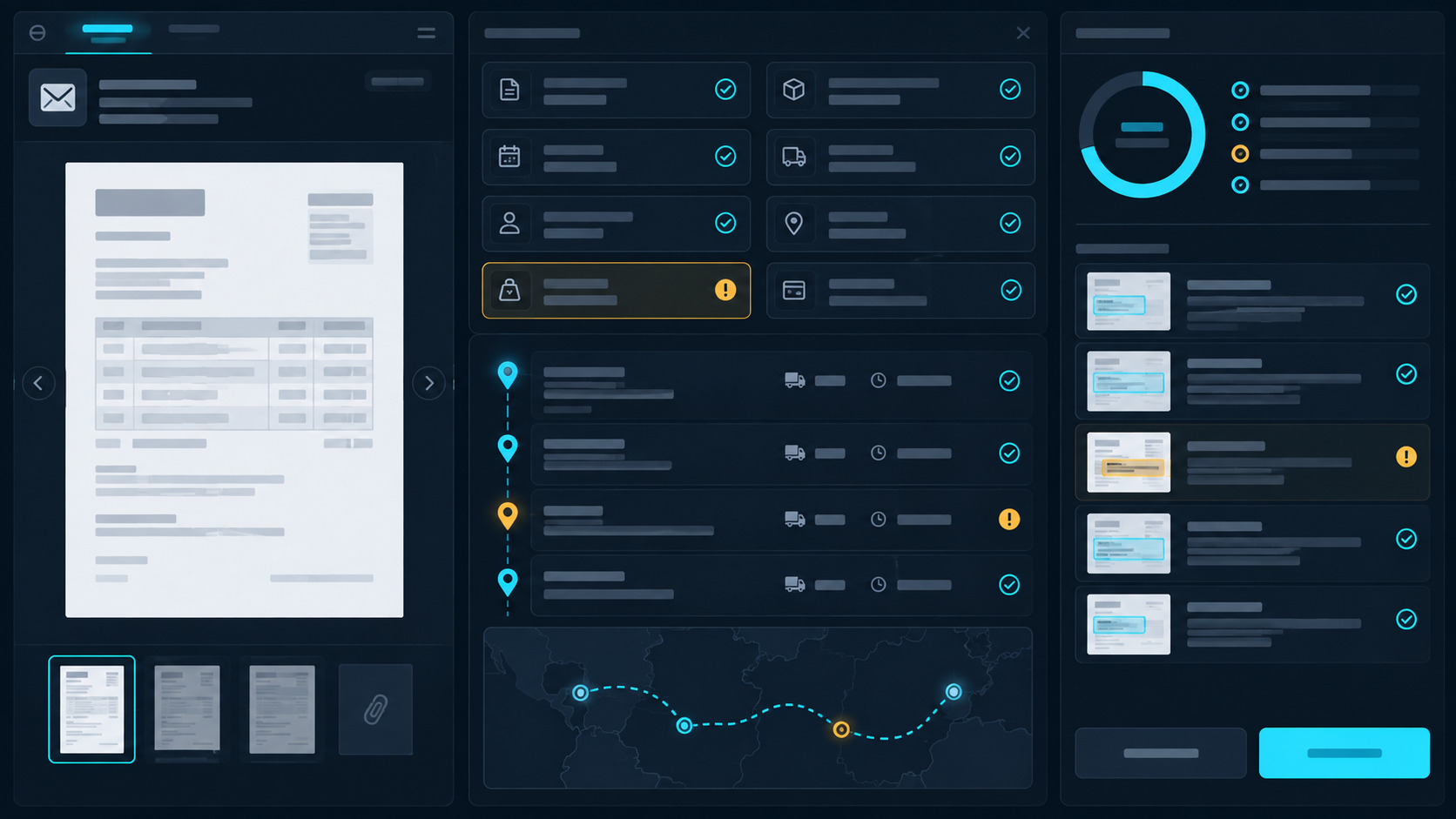
Extract useful fields from transport documents and email. Check suggested stops, dates and references before turning them into an operational plan.
Illustrative product visual. Available layers and live data depend on the connected sources and account permissions.
Use cases
For a multi-stop journey, review the loading window, border crossing, vehicle profile and a suitable rest stop. Compare route options using your actual operating costs, not a universal cost-per-kilometre assumption.
Browse the Cargo Marketplace for a load near the delivery point. Check empty running, timing and contractual conditions before accepting the next job.
Compare available location updates and road context with the agreed delivery time. Validate the situation with the driver, then communicate a revised plan.
Illustrative workflows, not guaranteed journey times, legal guidance or cost quotations.
Security
Keep account access and API permissions appropriate to each team or integration. Public camera availability is controlled by the original provider. A map marker is not proof of a working live stream, and a route estimate is not a guarantee of road access or compliance.
Privacy Policy →Use Try Eye demo in the menu to open the Eye workspace. A demo is for evaluating the interface; connected sources and account permissions determine the available features.
No. Availability and media formats vary by provider. Some cameras offer periodically refreshed photos, while others offer video or an external viewing page.
No. Dispatchers and drivers must verify the vehicle profile, current restrictions, road signs and commercial conditions before travelling.
Create an account and test the real Eye in the Sky workspace with 3 days and 10 complete routes. Need more tests? Contact our team for extended access.
Start the free test →